
The Small Business Owner's AI Starter Kit: 5 Things You Can Do This Week
Published April 2026

If you've been following this series from the start, you've covered a lot of ground. You know AI applies to your business even if you thought it didn't (Part 1). You know you're already using it and how to get more intentional about it (Part 2). And you know where it falls short so you can keep your expectations realistic (Part 3).
Now it's time to actually do something with all of that.
This post is the action plan. Five specific things you can do this week — today, if you want — to start getting real value from AI in your business. No technical skills required. No budget required. No 47-step implementation plan. Just practical, low-barrier actions that deliver results fast enough to convince you this is worth continuing.
Let's get into it.
First, Your Toolkit (It's Free)
Before we get to the five actions, let's talk tools — briefly, because this doesn't need to be complicated.
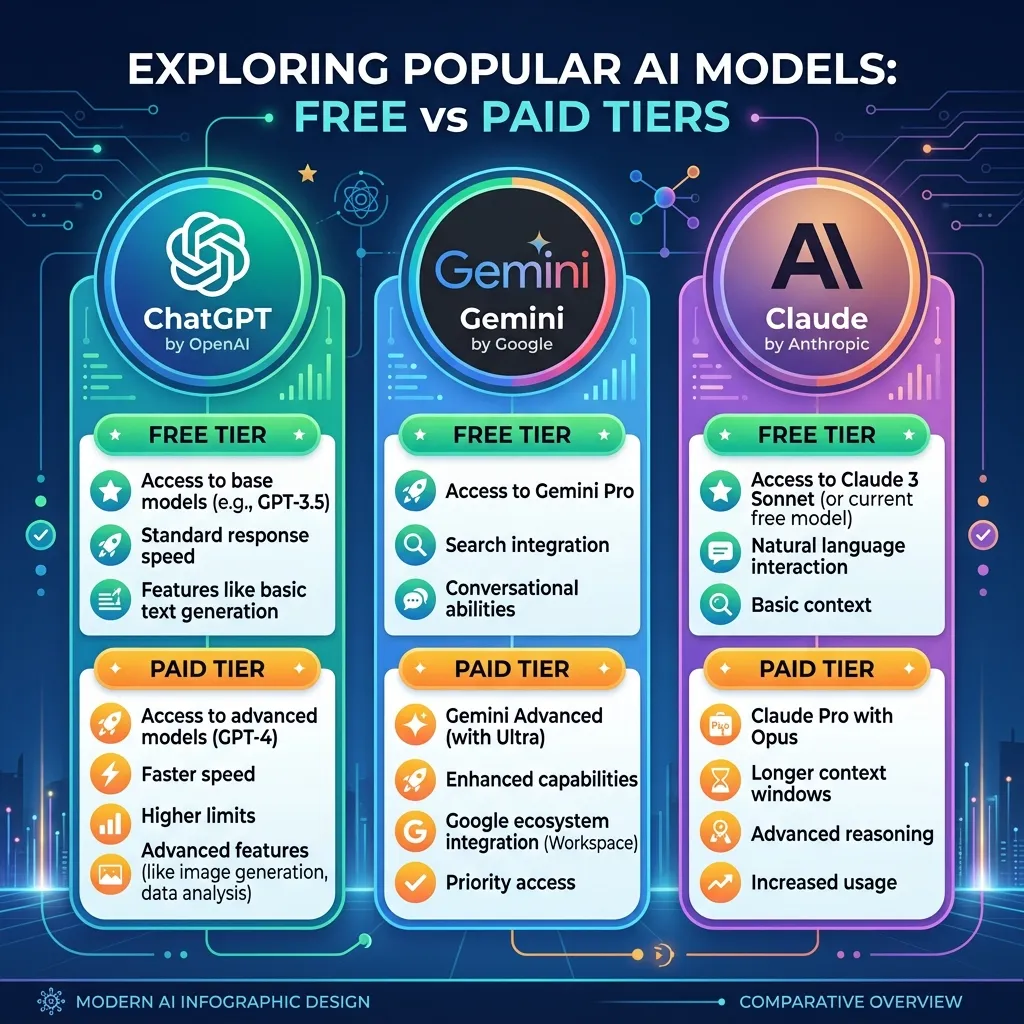
The major AI assistants all offer free tiers that are more than enough to get started:
ChatGPT (by OpenAI) — The most widely recognized AI tool. The free version gives you access to their flagship model, web browsing, and image generation. It's a great all-rounder and the easiest starting point for most people. Paid plan: $20/month if you want higher limits and advanced features.¹
Gemini (by Google) — Deeply integrated with Google Workspace. If your business runs on Gmail, Google Docs, and Google Sheets, Gemini is a natural fit. The free tier is solid; the paid plan at $19.99/month adds access to more powerful models and deeper Google app integration.¹
Claude (by Anthropic) — Known for strong writing quality and careful, thoughtful responses. The free tier is more limited on usage than the others, but the output quality — especially for longer writing and nuanced communication — is excellent. Paid plan: $20/month.¹
Microsoft Copilot — Built into the Microsoft ecosystem. If you use Outlook, Word, Excel, and Teams, Copilot can assist directly inside those apps. Free tier available; the full business version is $30/user/month on top of your Microsoft 365 subscription.¹
You don't need to evaluate all of these right now. Pick one — whichever feels most natural based on the tools you already use — and start there. You can always explore others later. For the examples below, any of these will work.
Thing 1: Draft a Client Email You've Been Putting Off
Time investment: 5 minutes What you'll need: Any AI tool (free tier)
Every business owner has at least one email they've been avoiding — a follow-up to a cold lead, a response to a difficult client, a check-in they keep meaning to send. AI is perfect for this because writing from scratch is the hard part, and AI eliminates it.
Try this prompt:
"I run a [your type of business] and I need to write a follow-up email to a [residential/commercial] client who received a quote from us about [what the quote was for] about a week ago and hasn't responded. The tone should be friendly, professional, and not pushy. Mention that the quote is valid for 30 days. Include a soft call-to-action to schedule the work or ask any questions. Keep it under 150 words."
Read what comes back. Tweak any details that don't fit. Send it.
That email you've been putting off for three days? Done in under five minutes. And now you have a template you can reuse — just change the details for the next client.
Thing 2: Write a Week's Worth of Social Media Posts
Time investment: 15–20 minutes What you'll need: Any AI tool (free tier)
Social media is one of those things most small business owners know they should do but rarely have time for. AI makes it dramatically faster by handling the blank-page problem — you still decide what to post about, but the drafting is done for you.
Try this prompt:
"I own a [your type of business] in [your city/region]. Create 5 social media posts for [Instagram/Facebook/LinkedIn] for the upcoming week. Topics should include [a mix of: a tip related to your industry, a behind-the-scenes look, a seasonal promotion, a customer testimonial prompt, and a question to drive engagement]. Tone should be [casual and warm / professional / fun and approachable — pick what fits your brand]. Each post should be under 100 words and include 2–3 relevant hashtag suggestions."
You'll get five posts that are probably 70–80% ready to go. Spend a few minutes adjusting the voice, adding any specific details, and you've got a week of content that would have taken an hour or more to write from scratch.
Pro tip: If the first batch doesn't quite sound like you, tell the AI: "These are good but a little too [formal/generic/salesy]. Can you rewrite them to sound more like [describe your actual voice — e.g., 'a friendly neighbor who happens to know a lot about HVAC']?" That one round of feedback usually gets you much closer.
Thing 3: Respond to Your Online Reviews
Time investment: 10–15 minutes for a batch What you'll need: Any AI tool (free tier)
Online reviews directly affect whether new customers call you. But responding to every single one — especially the positive ones where you still want to say something thoughtful and not just "Thanks!" — takes time that most business owners don't have. AI can draft those responses for you in seconds.
For a positive review, try:
"A customer left this 5-star review for my [type of business]: '[paste the review].' Write a short, warm response that thanks them specifically for what they mentioned, and feels personal — not like a template. Keep it under 60 words."
For a negative review, try:
"A customer left this [2-star/3-star] review for my [type of business]: '[paste the review].' Write a professional, empathetic response that acknowledges their frustration without being defensive, briefly explains what we'll do differently or invites them to contact us directly to resolve it. Keep it under 80 words."
Run through your recent reviews in a batch and knock them all out in one sitting. This is one of those tasks where AI gives you a disproportionate return — it takes almost no time but directly impacts how new customers perceive your business.
Thing 4: Clean Up Your Least-Favorite Recurring Document
Time investment: 15–20 minutes What you'll need: Any AI tool (free tier)
Think about the document you rewrite most often — proposals, project scopes, welcome emails for new clients, service agreements, FAQ responses, job descriptions. Whatever it is, AI can build you a reusable template that you customize for each situation instead of starting from scratch every time.
Try this prompt:
"I run a [type of business]. I need a reusable template for a [proposal / welcome email / project scope / service agreement] that I send to new [clients/customers]. The typical scenario is [briefly describe a common engagement — e.g., 'a homeowner who wants a bathroom remodel, budget usually between $10K–$25K']. Include placeholders for [client name, project details, timeline, pricing] that I can fill in each time. Tone should be [professional but warm / straightforward / detailed]. Keep it to [one page / under 500 words / whatever length fits]."
Once you have a solid template, save it. The next time you need to send that document, you're customizing a draft instead of writing from scratch — and you've just turned a 30-minute task into a 5-minute task, permanently.
Thing 5: Build Your "AI Cheat Sheet"
Time investment: 20–30 minutes What you'll need: Any AI tool (free tier) + somewhere to save notes
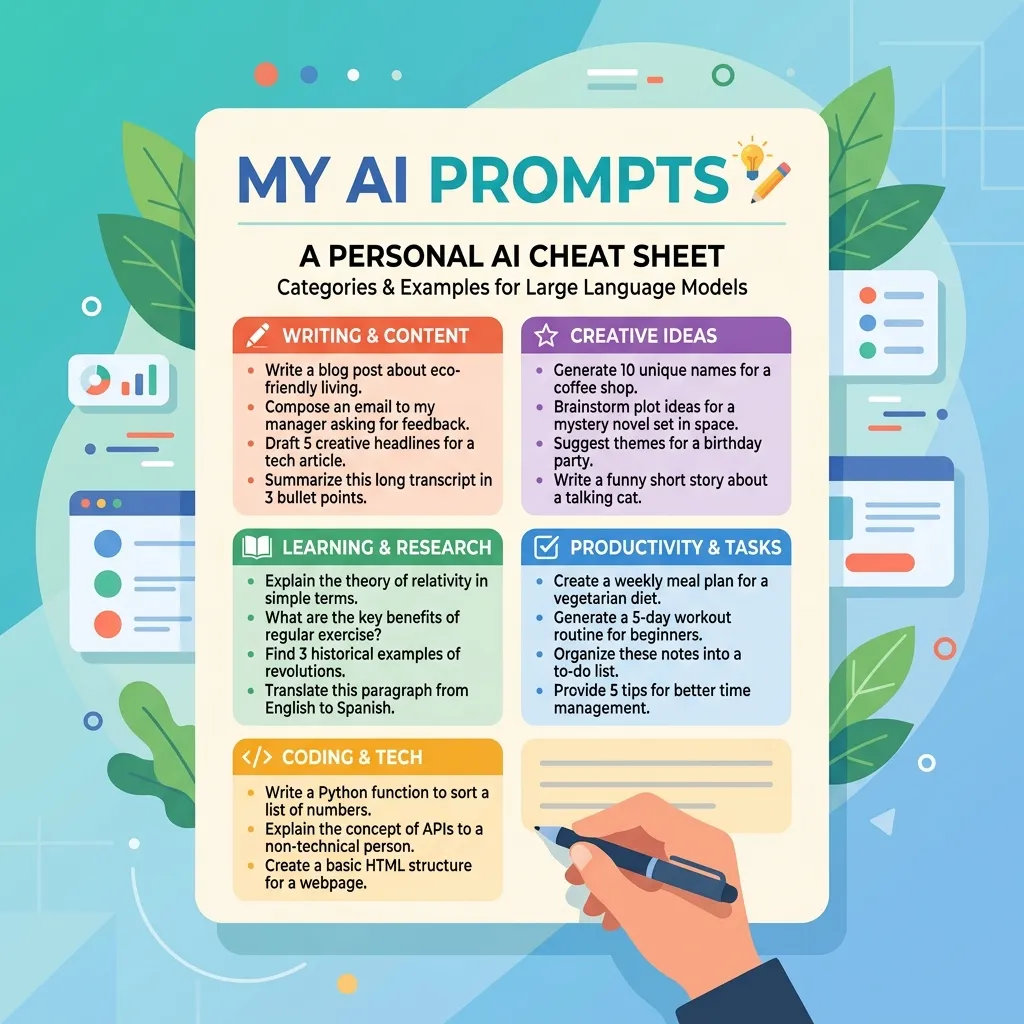
This one is about setting yourself up for ongoing wins, not just a one-time task. The idea is simple: spend half an hour exploring what AI can do for the tasks you do most often, and save the prompts that work.
Here's how:
Step 1: Write down the 5–10 tasks you spend the most time on each week. Be specific — not "marketing" but "writing the weekly email newsletter" or "creating Instagram captions for new product photos."
Step 2: For each task, open your AI tool and try asking it for help. You don't need a perfect prompt — start with something simple and refine from there. (Remember from Part 2: you can literally ask the AI "What information do you need from me to help with this task?" and it'll tell you.)
Step 3: When you get a result you like, save the prompt. Copy it into a document, a note on your phone, wherever you'll actually find it again. Label it clearly — "Follow-up email prompt," "Social media batch prompt," "Review response prompt."
Step 4: Share the cheat sheet with anyone on your team who might benefit. Those 5.6 hours per week in time savings we've mentioned throughout this series?² That comes from building exactly this kind of repeatable system.
What you're building here isn't complicated — it's just a personal library of prompts that work for your specific business. Over time, you'll keep adding to it, and the compound effect is real. Tasks that used to take 30 minutes take 5. Tasks you used to avoid get done consistently. And the more you use these tools, the better you get at talking to them.
What Comes After This Week
If you do even two or three of the things on this list, you'll have a very different relationship with AI by the end of the week. Not because you've become a tech expert — but because you've seen what it can actually do for your specific business, with your specific tasks, in your actual workflow.
From here, the path forward is simple: keep experimenting. Every time you hit a task that feels repetitive, tedious, or time-consuming, ask yourself, "Could AI take a first pass at this?" More often than not, the answer is yes.
A few things to keep in mind as you go:
Start free, upgrade when you feel the limits. The free tiers of ChatGPT, Gemini, and Claude are genuinely useful. If you find yourself hitting usage caps regularly and getting real value from the tool, the $20/month for a paid plan is an easy investment to justify — that's less than the time value of a single hour you'll save each week.
Don't try to automate everything at once. Pick one or two workflows, get comfortable, and then expand. The businesses that try to overhaul everything simultaneously usually end up overwhelmed and abandoning the effort entirely. Slow and steady beats ambitious and abandoned.
Always review before sending. This was the core message of Part 3, and it bears repeating: AI is a first-draft machine, not a finished-product machine. Every email, post, proposal, or response should get a human review before it goes to a customer. The time savings come from AI doing 80% of the work, not 100%.
Keep the cheat sheet alive. Add new prompts as you find them. Refine existing ones when you figure out what works better. Share it with your team. This is a living document, and it gets more valuable over time.
The Bottom Line
You've now got something most small business owners don't: a realistic understanding of what AI can do, what it can't, and a concrete plan for putting it to work. Not a theoretical understanding. Not a "maybe someday" understanding. A this-week, these-tasks, this-tool understanding.
The gap between businesses that use AI effectively and businesses that don't isn't going to shrink — it's going to widen. Every week that passes is another week your competitors might be drafting faster, responding quicker, and producing more — not because they're working harder, but because they're using tools that multiply their effort.
You don't need to become an AI expert. You just need to start. And after this week, you'll already be ahead of the 82% who still think it's not for them.³
This is Part 4 of the AI Without the BS series. If you followed along from the beginning — thank you. If you jumped straight to this one, go back and read [Part 1], [Part 2], and [Part 3] for the full picture.
Want help building an AI strategy tailored to your business — not just a generic toolkit, but a plan for where AI fits into your specific operations? That's exactly what we do. [Get in touch for a consultation.]
Sources:
AI pricing data compiled from official platform pages and SentiSight's "2026 AI Subscription Prices" comparison (January 2026)
Business.com / Dialog, "2026 Small Business AI Outlook Report" (January 2026)
SBA Office of Advocacy, "AI in Business: Small Firms Closing In" (September 2025)